Registration Resource Center · SEMA Show 2026
Need to Update Your Registration?
The Registration Resource Center (RRC) lets you update your registration anytime. Add education sessions, purchase event tickets, book your hotel, update your information and more, all in one place.
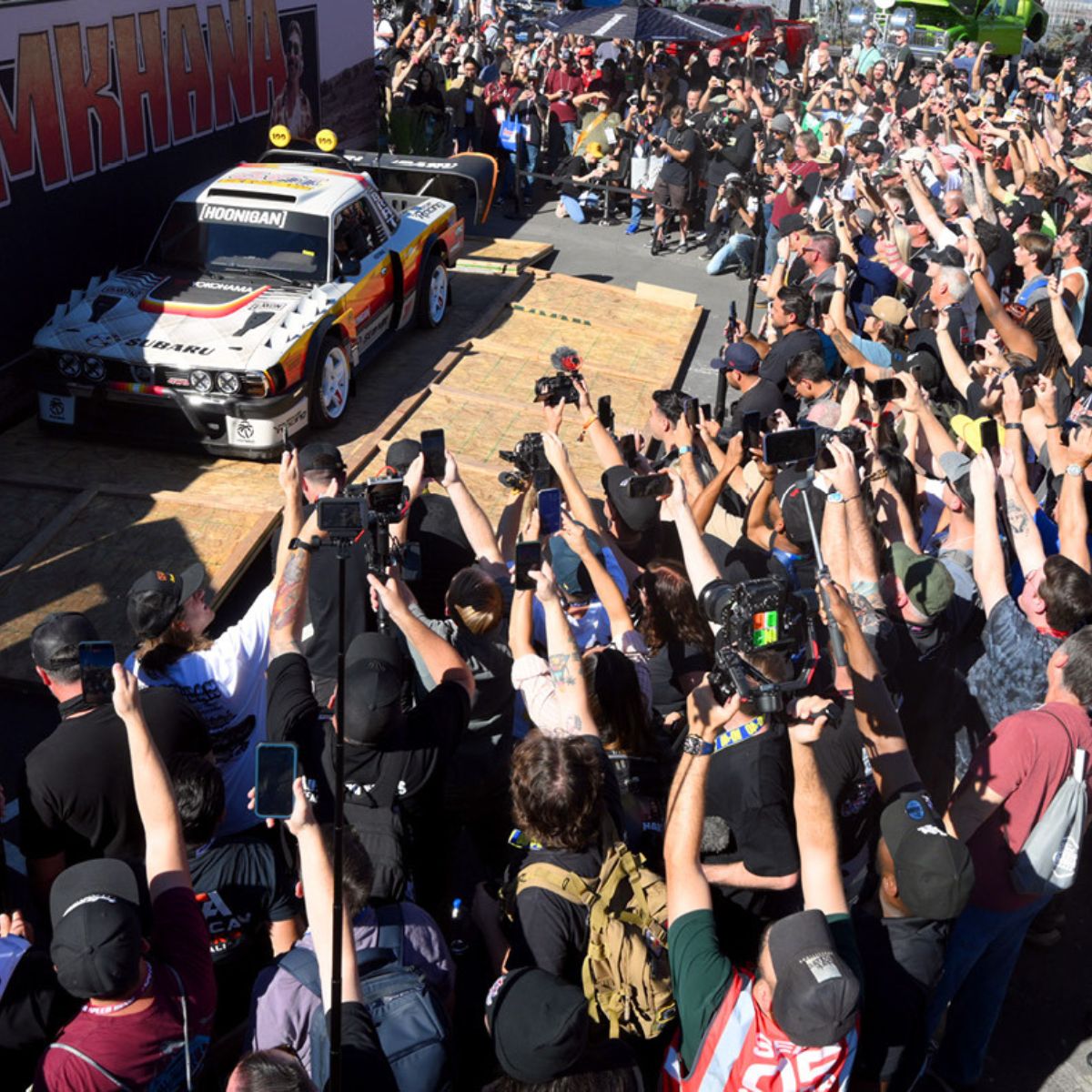
Update Your Contact Info
Keep your name, company, title and email current so your badge prints correctly and you receive every Show communication.
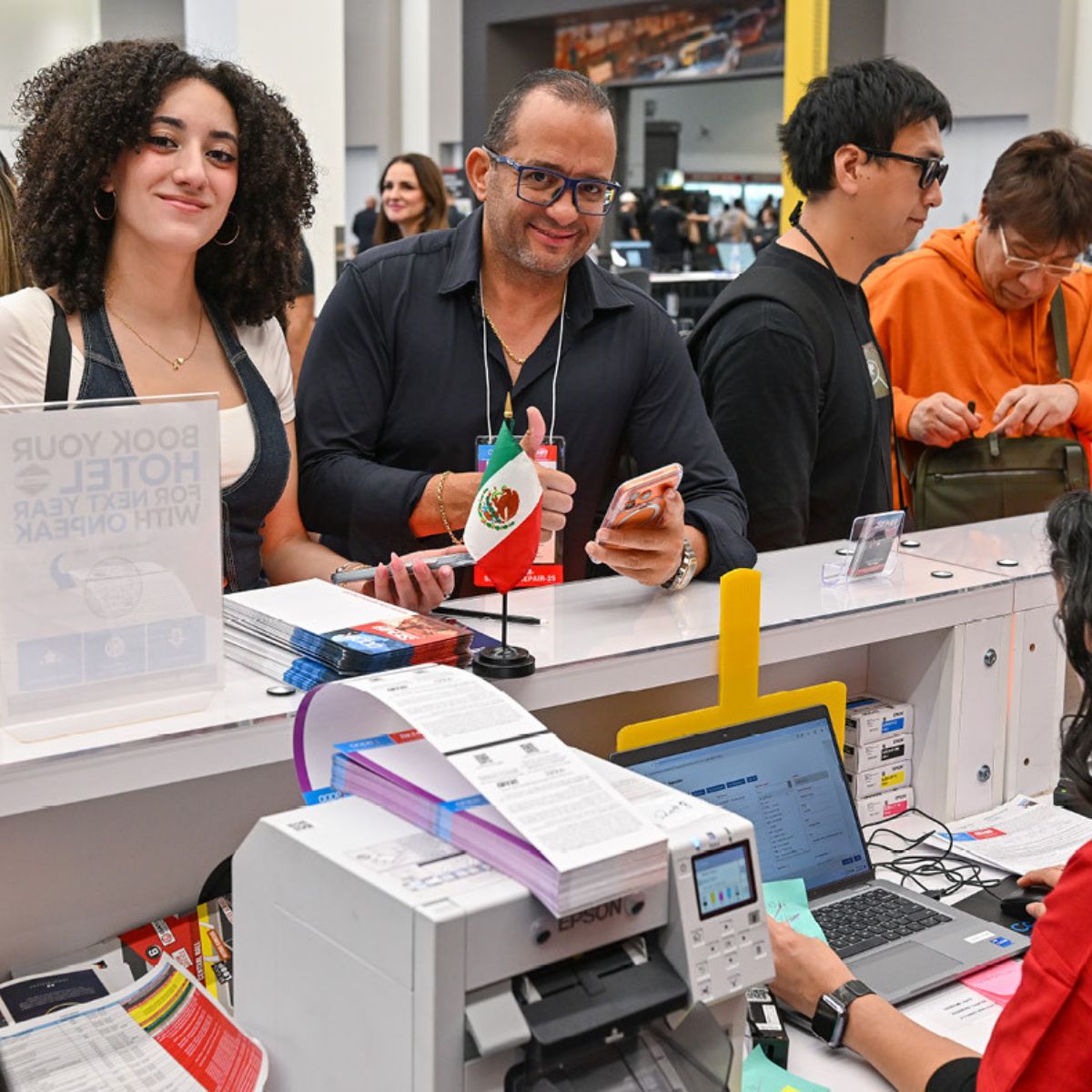
Print a Registration Receipt
Download an official receipt for your records or expense report anytime — as many times as you need.

Add a Spouse Registration
Need to add your legal spouse after you've already registered? Add their registration directly through the Registration Resource Center.

Book Your Hotel
Reserve through the official housing block for guaranteed lowest rates at the hotels closest to the Show. Book early — they sell out.
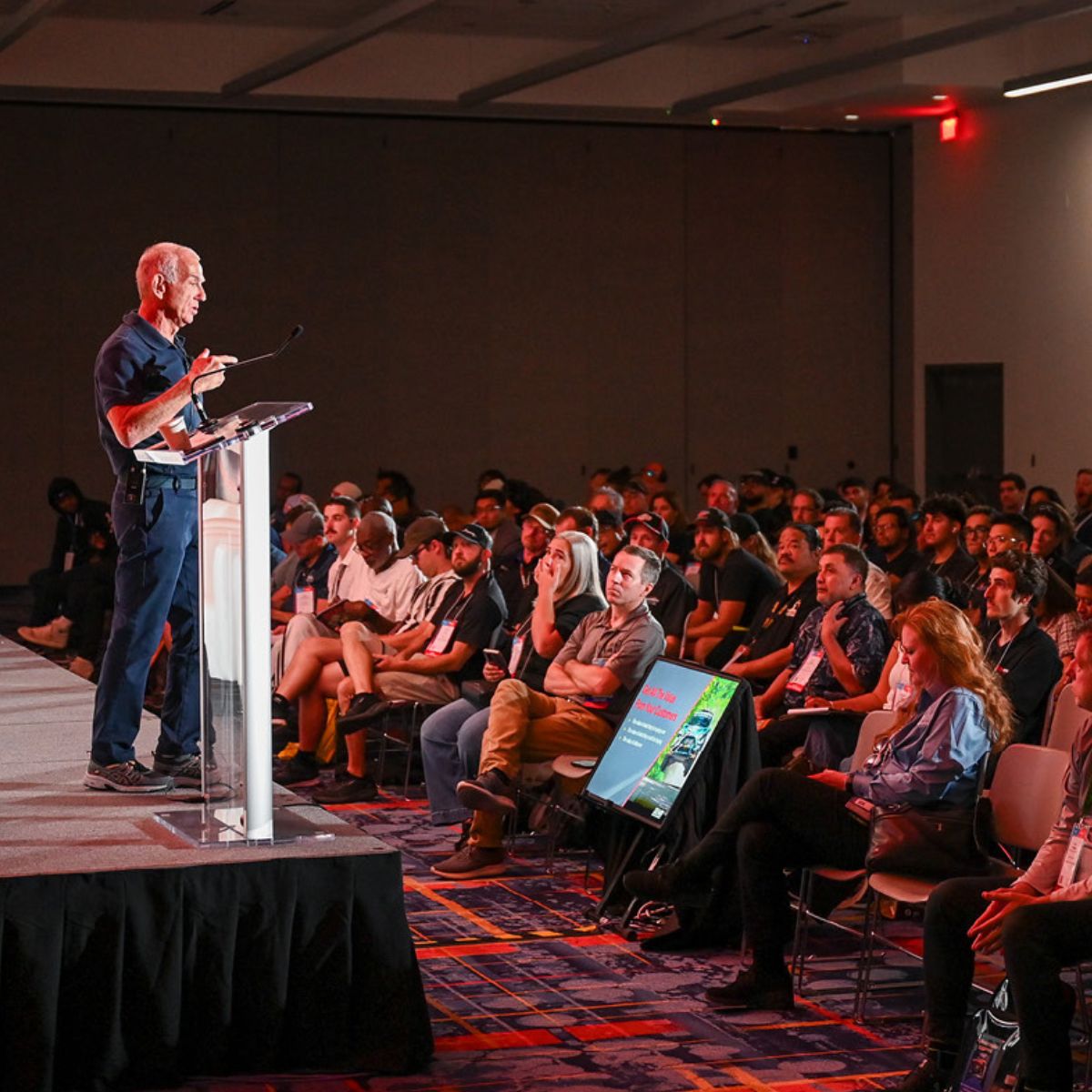
Add Education Sessions
Didn't add education during registration? Browse the full SEMA Show education lineup and add sessions to your existing registration before they fill up.

Purchase Event Tickets
Didn't purchase event tickets during registration? Add keynote breakfasts, award ceremonies and special networking events to your existing registration anytime.

Print Your Updated Record
Print an updated summary of your registration that includes any changes you've made for your records.

Check Badge Mailing Status
Track whether your badge has shipped and confirm it'll reach you before you travel to Las Vegas.
How to Access the Registration Resource Center
- Find your Badge ID in your "You are APPROVED for AAPEX & SEMA 2026!" email.
- Have the email address you used to register ready.
- Log in to the Registration Resource Center using your badge ID and registration email to view or update your registration.
Not registered yet? You'll get a Badge ID as soon as your registration is approved.